

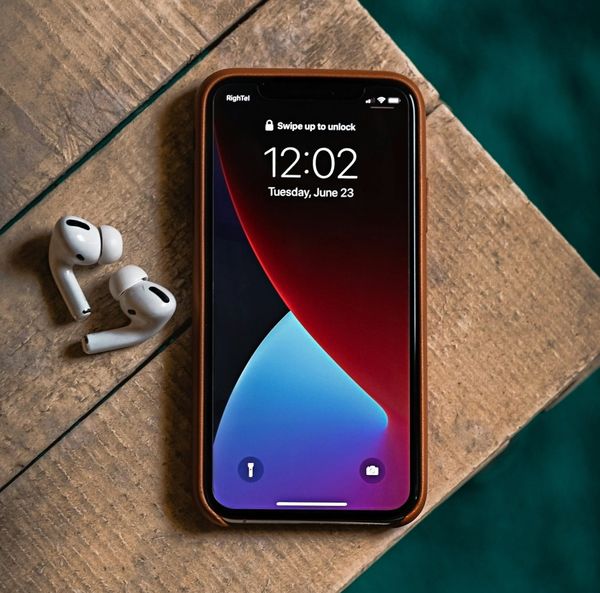
To enable easy mobile access, the website features a Progressive Web App function. Just follow these simple steps to set it up:
- On your mobile device, log in to recordbinradio.com.
- Click the "Share" icon near the URL in whichever browser you are using.
- In the pop up window, scroll down and select "Add to Home Screen."
- Go to your device's home screen and click on the Record Bin Radio icon. It will open the site and function like most any mobile app.