

Okay. Lesson 2.
When you are ready to post some content, login HERE with your password (bookmark that page or this one). You'll land on a page like this that will have all of your posts:
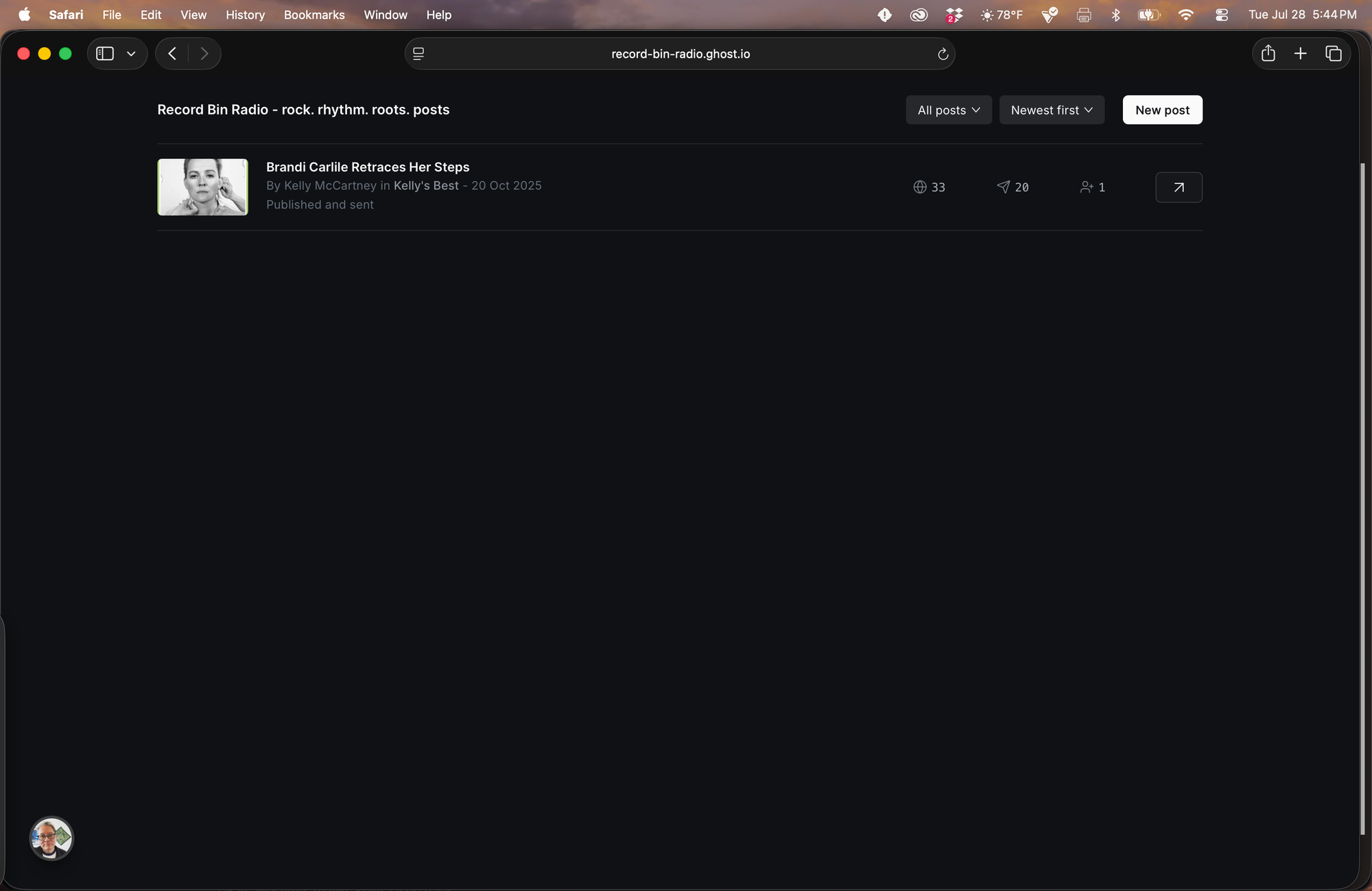
Click "New post" and do your thing.
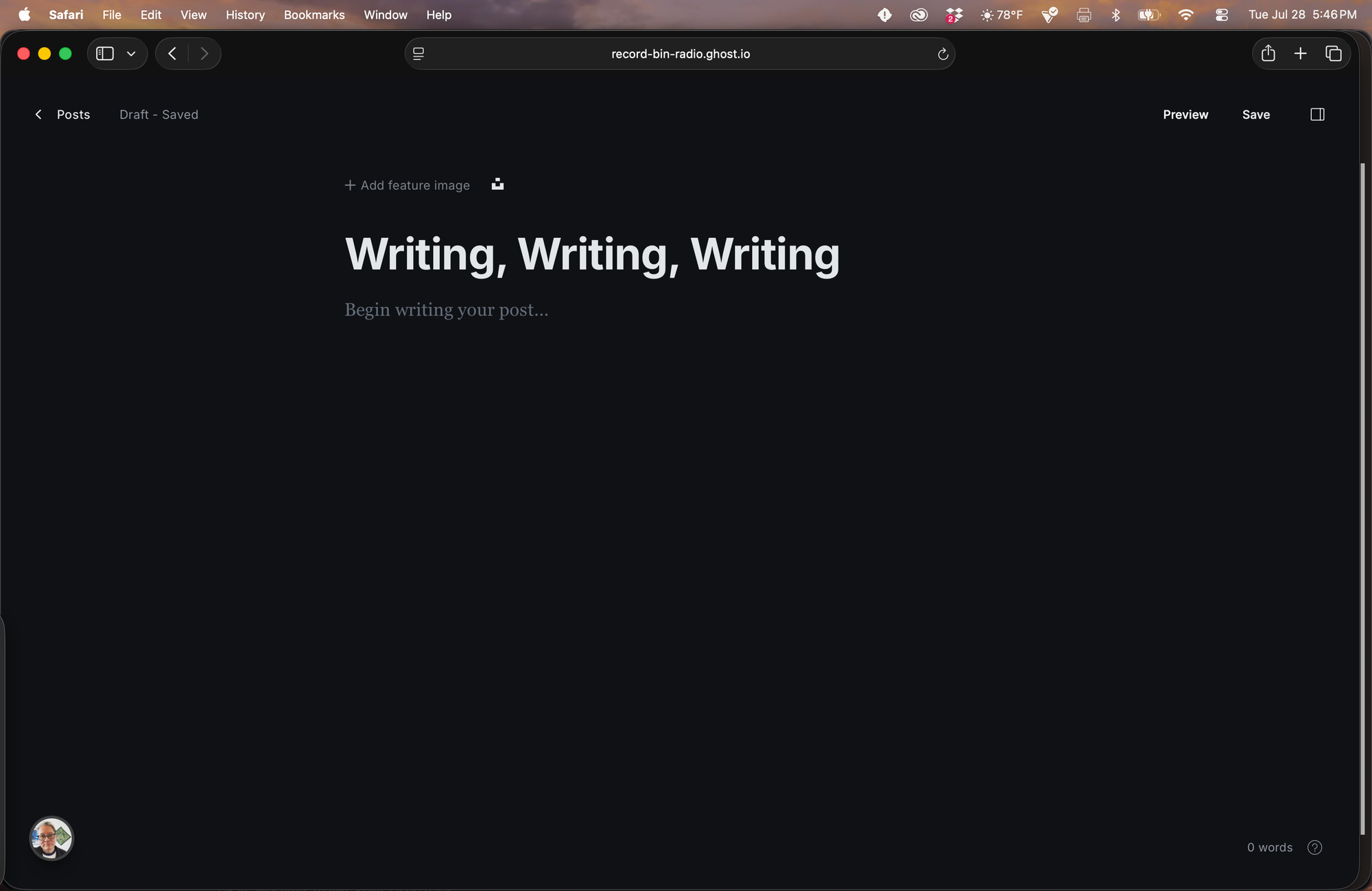
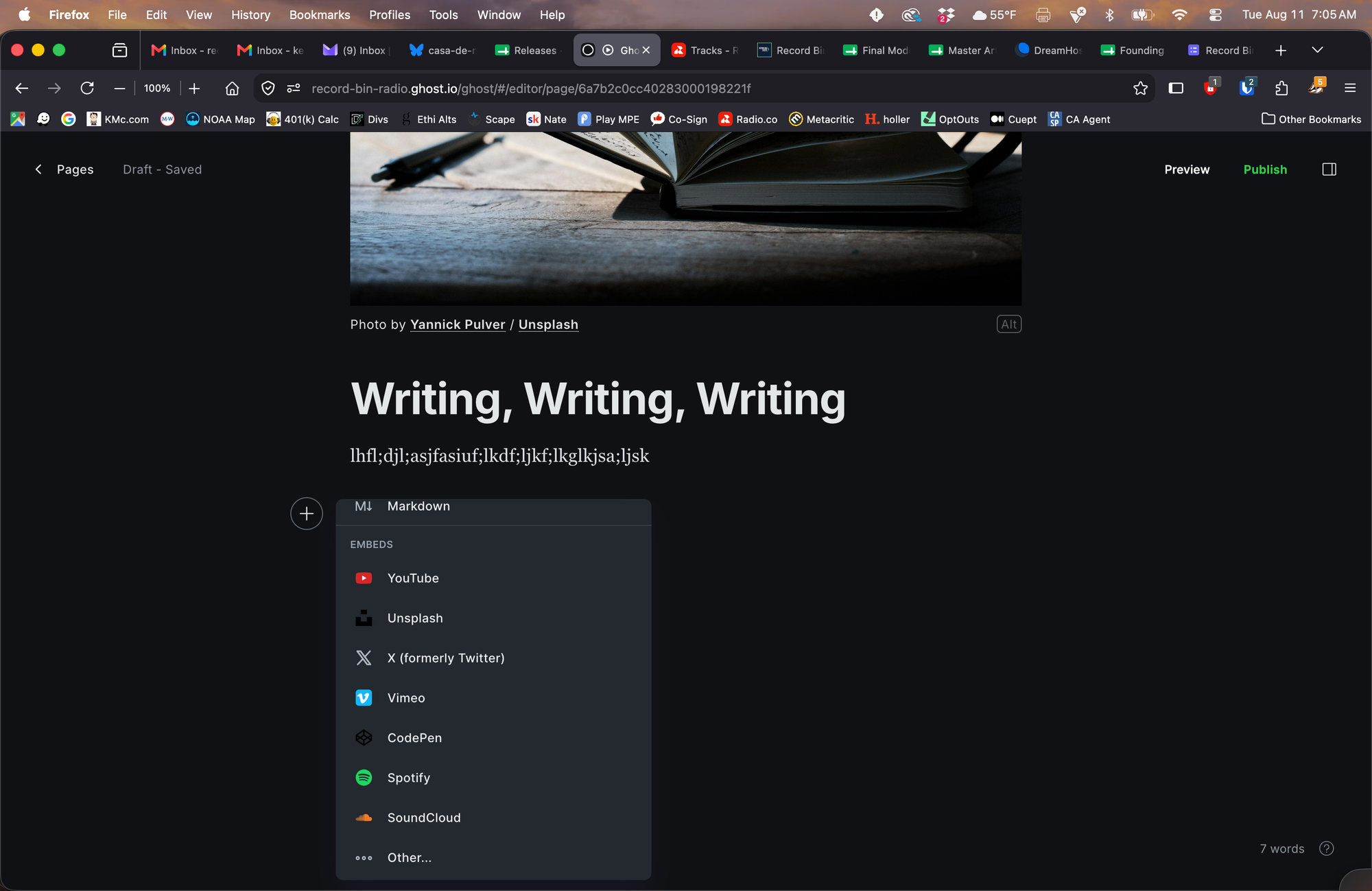
To add images, audio, embeds, etc to the body of the post, click the + and scroll to whichever element you want.
For iPhone videos, you can to throw it into Edits on your phone and export it as an mp4 instead of an mov. Then you can upload it to a post here.
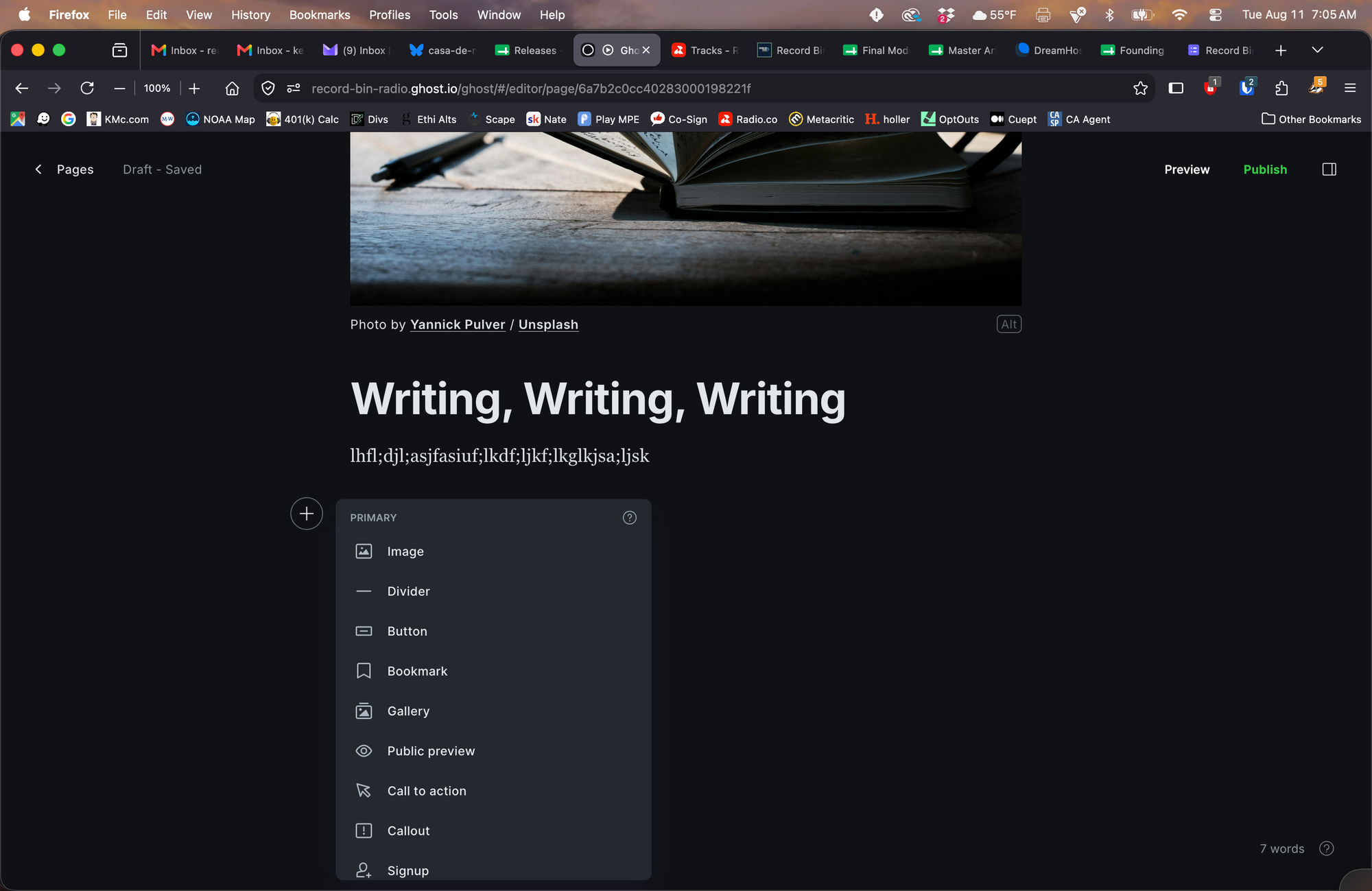
For the featured imaged at the top, you can add your own original photo or you can click that tray icon next to "Add feature image" and choose from a royalty-free image library.
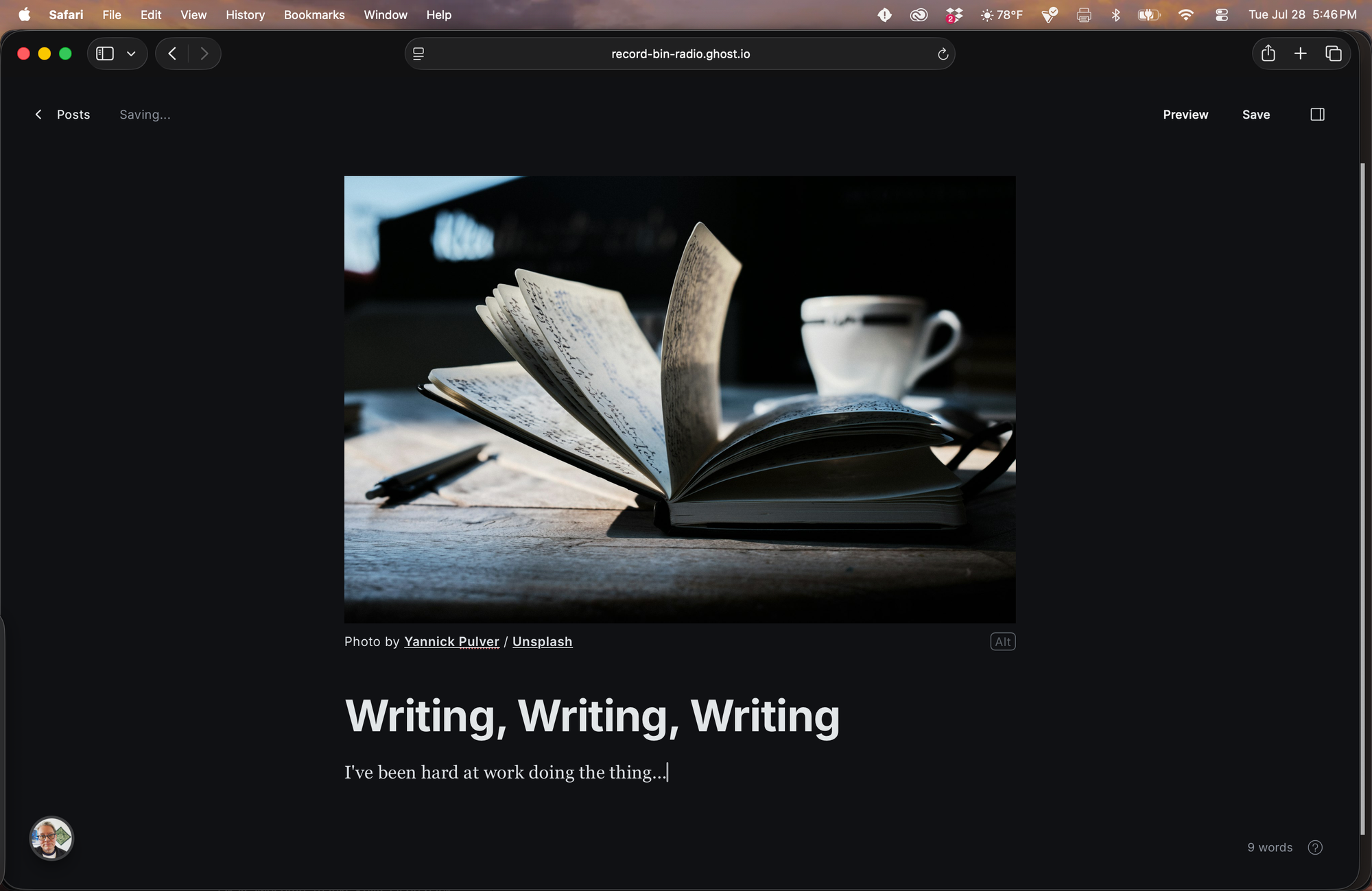
In the top right corner, click that little icon to open up the side bar, add an excerpt, and choose a page template. Only pick a template with RUNE in the name.
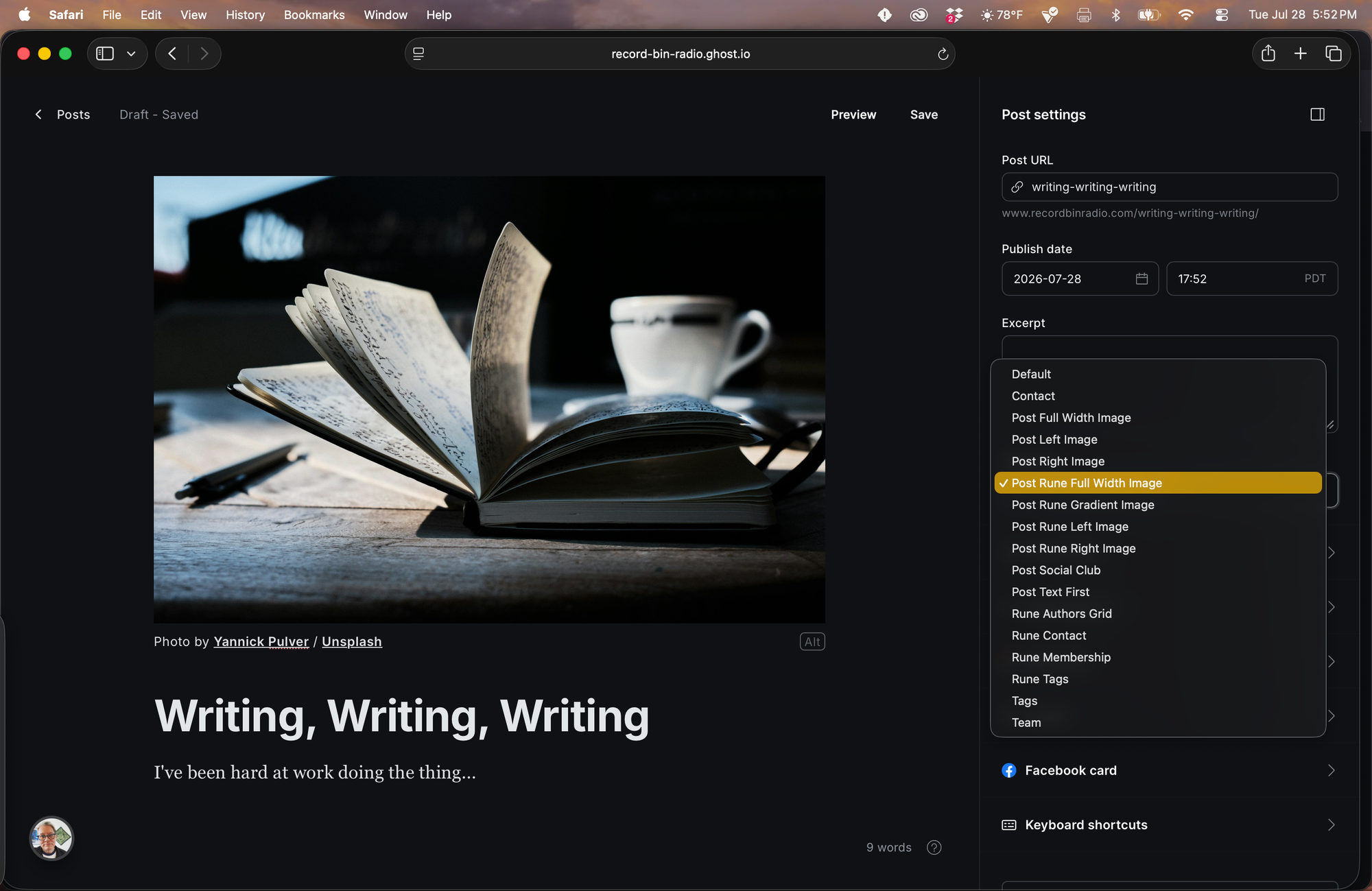
Click to save and preview.
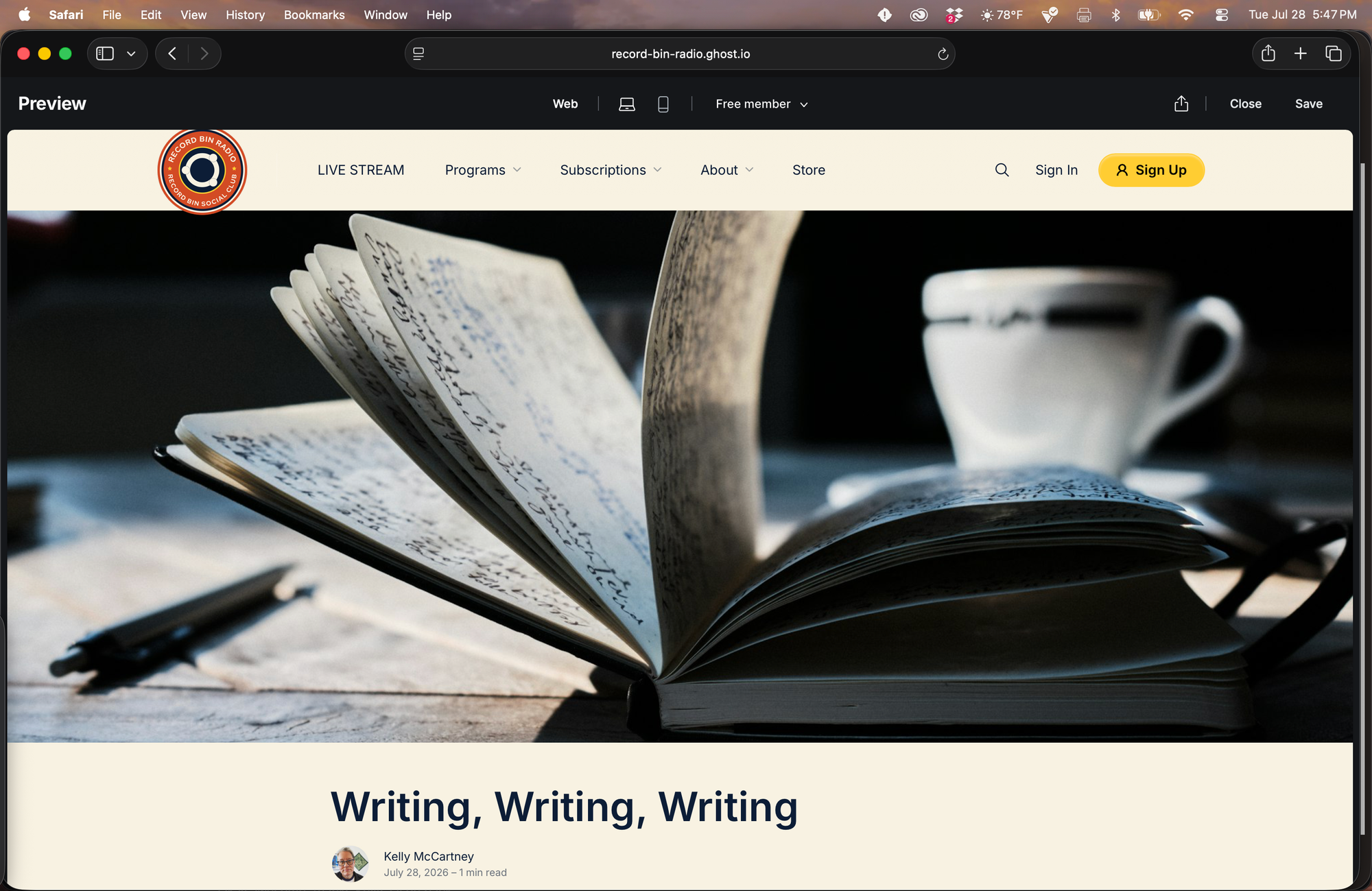
If everything looks good, close the preview, and maybe click "save" again, just to be sure.
Please try to get your first post into the system no later than August 14, so we can get everything scheduled in time for soft launch on August 18.
An easy first post suggestion: Introduce yourself and maybe offer your hopes for this collective. Ask the subscribers what kinds of content they want to see from you. That can be a video, handwritten note, typed-out post, interpretive dance, or whatever else moves you. Doesn't have to be long or complicated. Keep it simple and give them some co-creation/co-ownership over the community.
You won't be able to actually PUBLISH the post. A staff member will see it in the queue, make sure it's tagged, set the correct access level, and publish it to the site.
And... just like that, we've got ourselves a Social Club!